This page was automatically translated using artificial intelligence. As a result, the text may contain discrepancies or inaccuracies. Only the original version is binding. No legal claims arising from the content of the translated version will be accepted.

Delightful Doing 2 - Patrícia Domingues & Edu Tarín “From Practice to Research—and Back”
Lecture / Reading

Category: Lecture / Reading

Delightful Doing 2 - Patrícia Domingues & Edu Tarín “From Practice to Research—and Back”

During the 2026–27 winter semester, the Gemstone and Jewelry Campus in Idar-Oberstein will once again present the interdisciplinary lecture series “Delightful Doing” (“Lust am Tun”), open to university members and interested guests from outside the university.

“Delightful Doing” is an interdisciplinary, public lecture series organized by the Edelstein & Schmuck Campus in Idar-Oberstein and presented as part of the Idar-Oberstein FormDiskurs, a cultural program dedicated to promoting dialogue between academia, art, and the general public.

It takes place every winter semester on campus at Saarstraße 2 in Idar-Oberstein and focuses on a rotating theme that connects artistic creation with broader cultural, social, and intellectual questions.

Invited artists, researchers, and thinkers contribute their own perspectives and experiences. “Delightful Doing” is open to students, university staff and faculty, and the general public, creating a space for exchange and discussion. The lectures are held in English, and attendance is free.

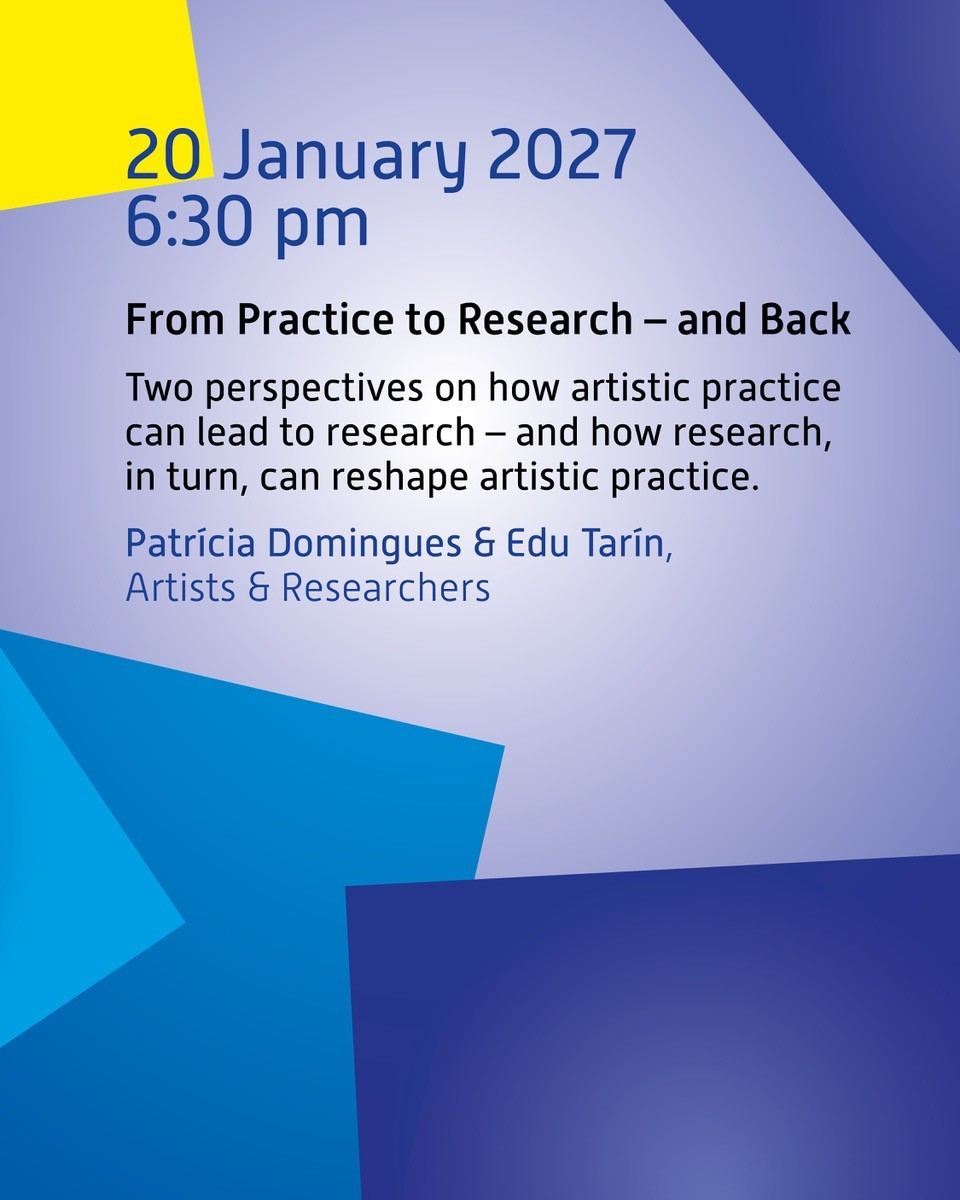
January 20, 2027, 6:30 p.m. – Patrícia Domingues & Edu Tarín “From Practice to Research – and Back”

Patrícia Domingues and Edu Tarín explore the transition from artistic practice to academic research and the changes that pursuing a Ph.D. can bring to one’s own work. In her completed doctoral dissertation, Domingues examines stone, fracture, landscape, and the relationship between material autonomy and artistic control. Tarín’s ongoing research focuses on the relationship between craftsmanship and technology, combining traditional artisanal production techniques with machines and new forms of production. Both artists reflect on how research questions emerge from artistic practice and how these can change upon entering an academic context.

Organizer

Trier University of Applied Sciences, Edelstein and Jewelry Campus in Idar-Oberstein

Help with accessibility

  • General

    We make every effort to ensure that our websites are accessible. You can find details on this in our accessibility statement. You can send us suggestions for improvement using our feedback form.

  • Font size

    To adjust the font size, please use the following key combinations:

    Larger

    ⌘command
    +

    Smaller

    ⌘command
    –

    Larger

    Ctrl
    +

    Smaller

    Ctrl
    –
  • Keyboard navigation

    Use TAB and SHIFT + TAB to navigate through next/previous links, form elements and buttons.

    Use ENTER to open links and interact with elements.

  • Contrast mode

    Press the following key combination to reduce or increase the contrast:

    Enlarge

    ⌃control
    ⌥option
    ⌘command
    .

    Decrease

    ⌃control
    ⌥option
    ⌘command
    ,
    Note: The shortcuts must be activated in the system settings of the operating system.

    Press the left ALT key + left SHIFT key + PRINT to quickly switch the high contrast mode on or off.

  • Invert colors

    Press the following key combination to switch the color inversion on and off:

    ⌃control
    ⌥option
    ⌘command
    8
    Note: The shortcuts must be activated in the system settings of the operating system.

    First activate the screen magnifier and then switch the color inversion on and off with the following key combinations:

    1. screen magnifier

    +

    2. invert colors

    Ctrl
    Old
    I
  • Screen magnifier

    Press the following key combinations to use the screen magnifier:

    Switch on/off

    ⌥option
    ⌘command
    8

    Enlarge view

    ⌥option
    ⌘command
    =

    Reduce view

    ⌥option
    ⌘command
    –
    Note: The shortcuts must be activated in the system settings of the operating system.

    Switch on / Enlarge view

    +

    Reduce view

    –

Select language