

This page was automatically translated using artificial intelligence. As a result, the text may contain discrepancies or inaccuracies. Only the original version is binding. No legal claims arising from the content of the translated version will be accepted.

Joint citizen consultation by the police and the city

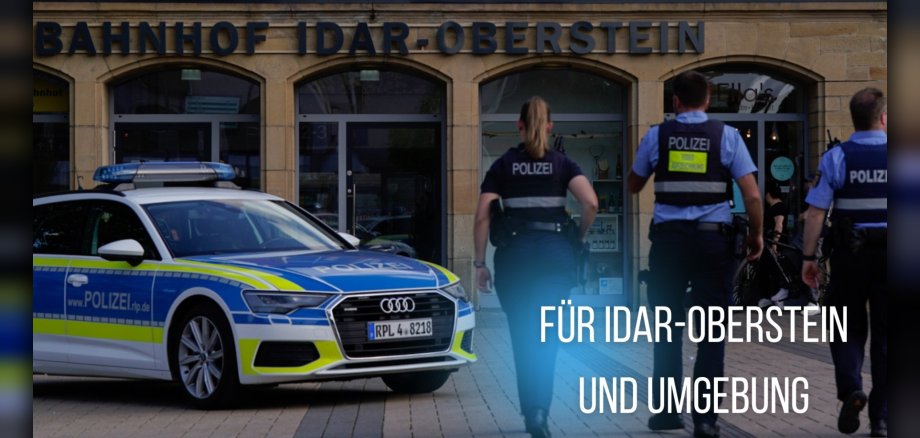
The public consultation session gives residents the opportunity to discuss their concerns in a private setting and in direct dialogue with Mayor Friedrich Marx and the chief of the Idar-Oberstein Police Department, Police Captain Kimberly Short. The public consultation session is part of the Idar-Oberstein Police Department’s “Combating Crime in Public Spaces” initiative and takes place within the framework of the security partnership established earlier this year between the Birkenfeld National Park District, the City of Idar-Oberstein, the Herrstein-Rhaunen Municipal Association, and the Idar-Oberstein Police Station and Criminal Investigation Division. Through this partnership, the police and law enforcement authorities aim to respond specifically to safety concerns and strengthen preventive measures. The goal of the public consultation is to engage in direct dialogue with the city’s residents, gather information from the public, answer questions, and discuss concerns and suggestions.

  • Anyone wishing to schedule an appointment for the consultation hour is asked to register in advance—by Wednesday, October 14, 2026—through Mayor Marx’s office. Please specify the nature of your inquiry when registering. To allow for individual discussions, the number of participants is limited. Each consultation is scheduled for a maximum of 20 minutes. To register, please contact: Mayor Marx’s office, phone 06781/64-1020, email Vorzimmer.BGM@idar-oberstein.de.

Help with accessibility

  • General

    We make every effort to ensure that our websites are accessible. You can find details on this in our accessibility statement. You can send us suggestions for improvement using our feedback form.

  • Font size

    To adjust the font size, please use the following key combinations:

    Larger

    ⌘command
    +

    Smaller

    ⌘command
    –

    Larger

    Ctrl
    +

    Smaller

    Ctrl
    –
  • Keyboard navigation

    Use TAB and SHIFT + TAB to navigate through next/previous links, form elements and buttons.

    Use ENTER to open links and interact with elements.

  • Contrast mode

    Press the following key combination to reduce or increase the contrast:

    Enlarge

    ⌃control
    ⌥option
    ⌘command
    .

    Decrease

    ⌃control
    ⌥option
    ⌘command
    ,
    Note: The shortcuts must be activated in the system settings of the operating system.

    Press the left ALT key + left SHIFT key + PRINT to quickly switch the high contrast mode on or off.

  • Invert colors

    Press the following key combination to switch the color inversion on and off:

    ⌃control
    ⌥option
    ⌘command
    8
    Note: The shortcuts must be activated in the system settings of the operating system.

    First activate the screen magnifier and then switch the color inversion on and off with the following key combinations:

    1. screen magnifier

    +

    2. invert colors

    Ctrl
    Old
    I
  • Screen magnifier

    Press the following key combinations to use the screen magnifier:

    Switch on/off

    ⌥option
    ⌘command
    8

    Enlarge view

    ⌥option
    ⌘command
    =

    Reduce view

    ⌥option
    ⌘command
    –
    Note: The shortcuts must be activated in the system settings of the operating system.

    Switch on / Enlarge view

    +

    Reduce view

    –

Select language