

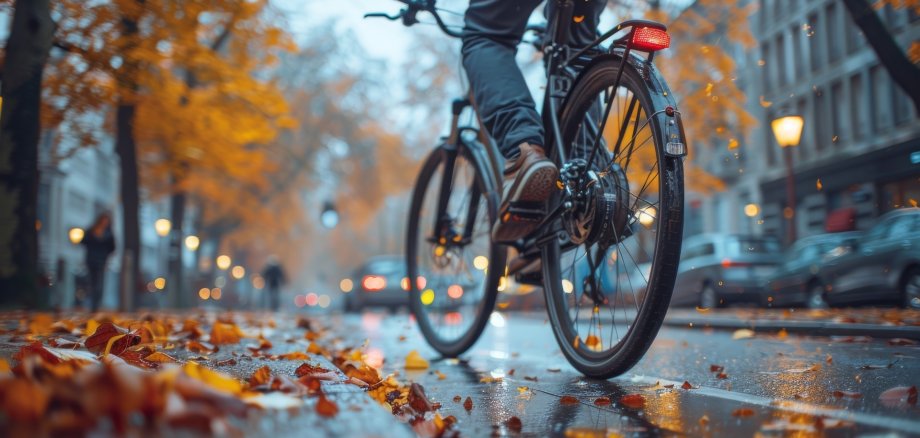
Shorter days, darkness, rain, fallen leaves, and potentially slippery conditions increase the risk of accidents for cyclists and users of e-bikes and e-scooters in the fall and winter. The Idar-Oberstein Police Department therefore recommends riding with extra caution and foresight and checking your vehicle regularly.
See and be seen: Properly functioning front and rear lights, as well as clean reflectors, are essential. Bright clothing and reflective elements further increase visibility. In poor visibility, cyclists should be especially alert, maintain a safe distance, and, when in doubt, yield the right of way.
Adjust your speed and driving style: Wet leaves, road markings, manhole covers, and cobblestones can be slippery. In frosty and icy conditions, the risk of falling increases. Therefore, reduce your speed, maintain a safe following distance, and brake early and in a controlled manner. Extra caution is needed when navigating curves. On icy or visibly slippery stretches, the vehicle should be pushed whenever possible.
Check your vehicle: Brakes, tires, lights, and reflectors should be inspected regularly. Tires must have sufficient tread depth and the correct tire pressure. For e-bikes and e-scooters, it’s also important to handle the battery properly. Cold temperatures can reduce range. Batteries should be charged and stored according to the manufacturer’s instructions and protected from extreme temperatures. Damaged batteries must not be used.
Wear a helmet and stay alert: A well-fitting bicycle helmet can reduce the risk of serious head injuries. Avoid using your smartphone or wearing loud headphones while riding. Warm clothing and gloves protect against the cold, but they must not impair your range of motion, your vision, or your ability to control the bike.
Take special care with e-bikes and e-scooters: When riding e-bikes, adjust the motor assistance to suit road conditions. Due to their small wheels, e-scooters are particularly sensitive to potholes, curbs, and slippery surfaces. Uneven surfaces should be navigated slowly and with control. E-scooters must always use existing and accessible bike lanes. Riding on sidewalks is permitted only if they are expressly designated for e-scooters.
It’s better to avoid driving in hazardous conditions: In the event of freezing rain, heavy snowfall, or widespread icy conditions, it may be safer to use public transportation or other alternatives. Fatigue, time pressure, and distractions also increase the risk of an accident. If you feel unsure, you should postpone your trip.
With proper preparation, sufficient visibility, and defensive driving, the risk of an accident can be significantly reduced. It is crucial to always adjust your speed and driving behavior to visibility, weather conditions, and road conditions.
Police Offer Counseling
The Idar-Oberstein Police Department advises residents on all aspects of traffic safety. Working together for greater safety. For Idar-Oberstein and the surrounding area. #wearehereforyou
For more information on bicycle safety: https://www.polizei.rlp.de/diepolizei/praevention/verkehrspraevention/zweiradsicherheit