

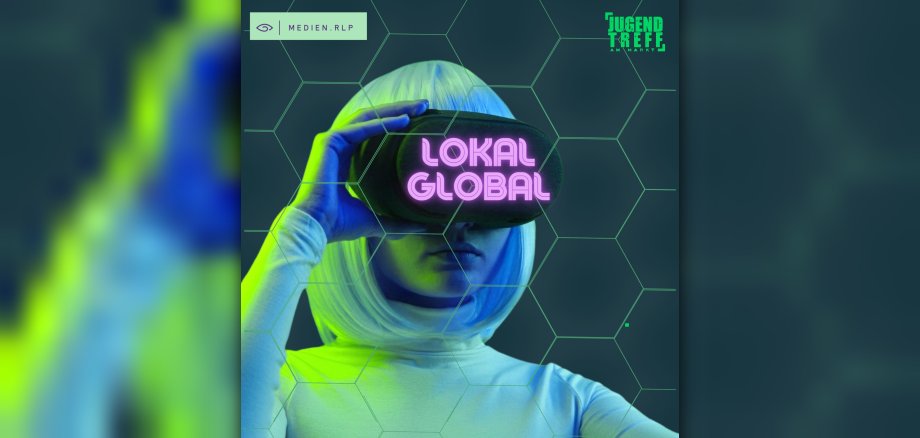
The Jugendtreff am Markt (JAM) is once again participating this year in the “lokal-global” media campaign organized by medien.rlp, thereby expanding its offerings to include exciting digital opportunities. From November 16 to 27, 2026, medien.rlp will provide the youth center with five modern PCs and two VR headsets. Young people ages eight and up can try out and use these for free during the center’s regular open hours on Mondays and Wednesdays from 3:00 p.m. to 8:00 p.m.
The program offers a wide range of possibilities: Whether it’s creative media projects, digital games, or exciting educational apps—young visitors can explore different facets of the digital world and get hands-on. VR headsets, in particular, provide new experiences and insights into virtual worlds.
Even the youngest children get to enjoy themselves: As part of the project, two daycare centers visit the youth center and participate in the “Ran an die Maus” media program. There, preschoolers can gain their first experiences using a computer, get familiar with the mouse and keyboard, and discover the digital world through play.
By participating in “lokal-global,” the youth center aims not only to provide low-threshold access to digital media, but also to create spaces for social interaction and combat loneliness. The focus is on shared experiences, experimentation, and discovery, as well as the opportunity to use media creatively and meaningfully during free time. All interested young people are warmly invited to stop by and join in.
Another highlight of the event week is a group movie night on Friday, November 27, 2026. From 5:00 p.m. to 8:00 p.m., all young people ages eight and up are cordially invited to watch a movie together at JAM. To create the right movie theater atmosphere, we’ll prepare some snacks together to go with the film. Which movie we’ll watch is still a surprise for now. In addition to the shared movie experience, the focus is also on spending time together. Movies provide opportunities for conversation, encourage reflection, and open the door to learning about different perspectives. In this way, the movie night combines entertainment with a shared media experience and creates space for exchange and connection.
- Registration for the movie night is not required; admission is €4. For more information and the latest updates, visit Instagram at @jugend_io or the website www.jump-io.de.