

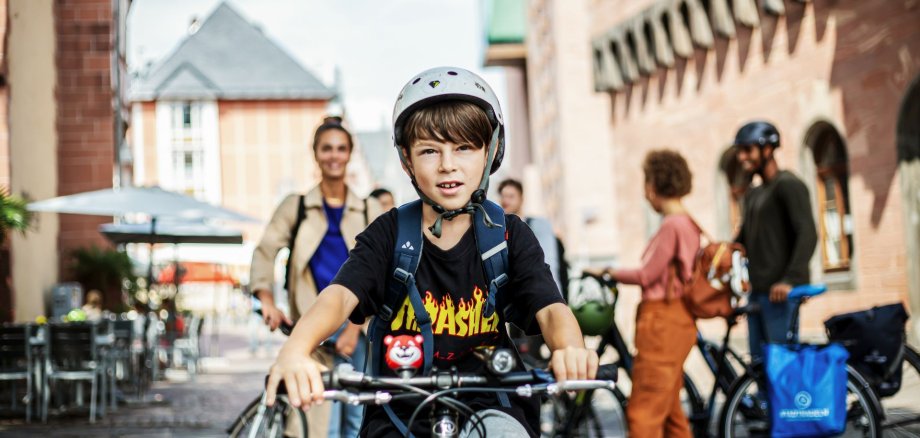
On Monday, June 15, 2026, the starting signal will be given for this year's CITY CYCLING in Idar-Oberstein. The city is once again taking part in the international campaign organized by Climate Alliance Services. Up to and including July 5, citizens are called upon to cycle as many distances as possible in a climate-friendly way and collect kilometers for their team, their municipality and more cycling promotion. With this campaign, they are also doing something for the climate and making cycling in the city even more visible during this time.
In the run-up to the campaign, Lord Mayor Frank Frühauf called on all interested parties to take part in CITY CYCLING. Anyone who lives, works, belongs to a club or attends a (high) school in the city of Idar-Oberstein can take part. "During the three weeks, we want to set an example in our city together. Use your bike or e-bike to get to work, go shopping or in your free time - rediscover our beautiful home. Let's prove together this year that sustainable mobility in Idar-Oberstein is not only possible, but also really fun," said the mayor.
So far (as of today) 168 cyclists in 23 teams have responded to this call. For comparison: last year, 202 cyclists took part and covered a total of 45,820 kilometers. So there is still room for improvement. Incidentally, you can still register during the entire campaign period. Every kilometer cycled is a benefit in more ways than one: participants promote their health and well-being, do something for the community and the climate and also save money, especially in times of high fuel costs. What's more, participants can win attractive prizes. In addition to the existing admission vouchers for the city's sights, there will also be special vouchers for younger cyclists this year.
- Anyone who would like to take part in CITY CYCLING can register online at www.stadtradeln.de/idar-oberstein, join an existing team or set up their own team. A person who founds a new team is automatically the team captain. All information about CITY CYCLING is available on the website www.stadtradeln.de or from the city's climate protection manager Julia Besand, phone 06781/64-6906, e-mail stadtverwaltung@idar-oberstein.de.