

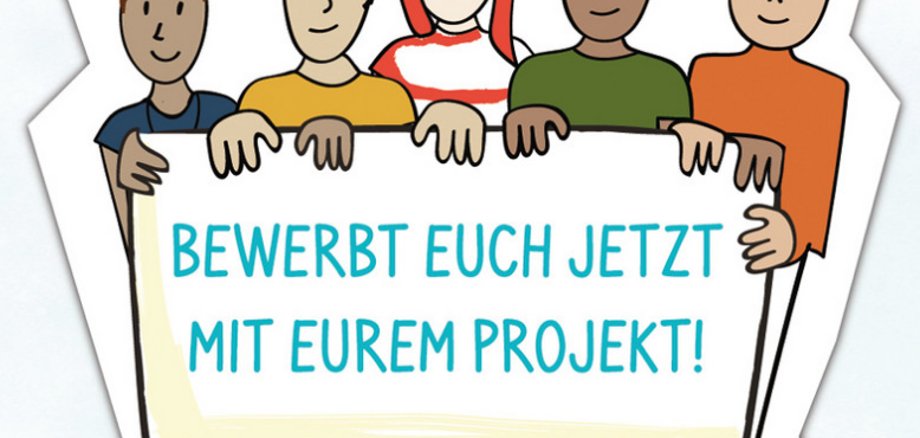
The “Rhineland-Palatinate Youth Engagement Competition” is an initiative of the State Chancellery of Rhineland-Palatinate and grew out of the “Jugendforum RLP” participation project, a joint initiative of the State Chancellery and the Bertelsmann Foundation. The “Youth Engagement Competition” awards grants of 500 euros to projects led by young people up to and including age 27. The competition for the 2026–2027 period is now open: Applications can be submitted until October 23, 2026, at www.wir-tun-was.rlp.de. You must answer the following questions: Who are you and what are your plans? When will you do what? Describe your timeline! How will the prize money benefit the project? Who will you be working with to implement your project? In December 2026, a jury—half of whom are young adults—will decide which projects will receive funding. In January 2027, Minister President Gordon Schnieder will honor the winning projects at an awards ceremony at the State Chancellery; these projects will then be implemented by the end of 2027 and documented in a blog, with photos, or in a video.
Young people up to and including age 27 can participate as teams or initiatives, school classes, school clubs, youth organizations, or other groups. Suitable topics and areas include mobility and transportation, democracy, the environment and sustainability, media and technology, leisure, and many others. “Young people’s volunteer work shows that they are willing to take on responsibility and actively help shape our society. This is a key driver of change,” says Minister President Gordon Schnieder in his call for participation in the 13th Rhineland-Palatinate Youth Engagement Competition, themed “Get Involved—Make a Difference.” Funding is available for projects that are led and carried out by young people themselves and that address social issues and concerns. It is important that the project take place in Rhineland-Palatinate and can be implemented within one year. It is also important that the project be carried out in collaboration with others.
- For more information and to apply, visit https://wir-tun-was.rlp.de/anerkennen/jugend-engagement-wettbewerb. Or via the QR code
