

This page has been automatically translated. As a result, there may be discrepancies or inaccuracies in the text. Only the original version is binding. Legal claims arising from the content of the translated version are excluded.

Career fair 2026: Register now as an exhibitor!

The trade fair will take place on September 27 and 28 in the Idar-Oberstein exhibition hall.

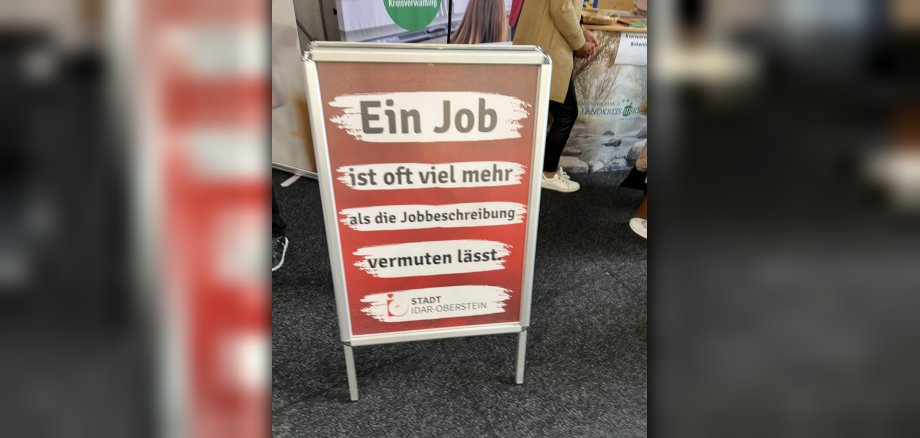
More than 85 companies, institutions and educational establishments will be presenting their training occupations, study opportunities and career paths over the two days of the event. For many young people, the fair is their first direct contact with the world of work - and for companies, it is often the start of a future apprenticeship or employment. New in 2026 is digital trade fair matching with RECREWT. Young people can fill out a short online questionnaire about their interests and strengths before visiting the trade fair. Suitable training opportunities, courses of study and companies are suggested on this basis. "The new matching tool enables us to prepare young people even better. Companies will meet visitors who have already intensively researched their career options," explains Christina Biehl, Managing Director of the Birkenfeld District Economic Development Corporation (WFG).

The trade fair will also be expanded digitally for the first time. A 3D online trade fair will allow interested parties to visit the trade fair stands virtually, access information or get to know companies again even after the event has ended. This means that the trade fair will remain visible beyond the two days of the event. This opens up a special opportunity for regional companies: they can present their training and career opportunities in person, provide insights into their working world and inspire young talent at an early stage. The first decisive impression is often made in a direct conversation.

Companies from the region are therefore invited to participate as exhibitors and present their career prospects. Further information and registration for exhibitors are available online at www.deinbir.de/karrieremesse/fuer-aussteller/

Help with accessibility

  • General

    We make every effort to ensure that our websites are accessible. You can find details on this in our accessibility statement. You can send us suggestions for improvement using our feedback form.

  • Font size

    To adjust the font size, please use the following key combinations:

    Larger

    ⌘command
    +

    Smaller

    ⌘command

    Larger

    Ctrl
    +

    Smaller

    Ctrl
  • Keyboard navigation

    Use TAB and SHIFT + TAB to navigate through next/previous links, form elements and buttons.

    Use ENTER to open links and interact with elements.

  • Contrast mode

    Press the following key combination to reduce or increase the contrast:

    Enlarge

    ⌃control
    ⌥option
    ⌘command
    .

    Decrease

    ⌃control
    ⌥option
    ⌘command
    ,
    Note: The shortcuts must be activated in the system settings of the operating system.

    Press the left ALT key + left SHIFT key + PRINT to quickly switch the high contrast mode on or off.

  • Invert colors

    Press the following key combination to switch the color inversion on and off:

    ⌃control
    ⌥option
    ⌘command
    8
    Note: The shortcuts must be activated in the system settings of the operating system.

    First activate the screen magnifier and then switch the color inversion on and off with the following key combinations:

    1. screen magnifier

    +

    2. invert colors

    Ctrl
    Old
    I
  • Screen magnifier

    Press the following key combinations to use the screen magnifier:

    Switch on/off

    ⌥option
    ⌘command
    8

    Enlarge view

    ⌥option
    ⌘command
    =

    Reduce view

    ⌥option
    ⌘command
    Note: The shortcuts must be activated in the system settings of the operating system.

    Switch on / Enlarge view

    +

    Reduce view

Select language