

This page has been automatically translated. As a result, there may be discrepancies or inaccuracies in the text. Only the original version is binding. Legal claims arising from the content of the translated version are excluded.

Flower power in the city centers

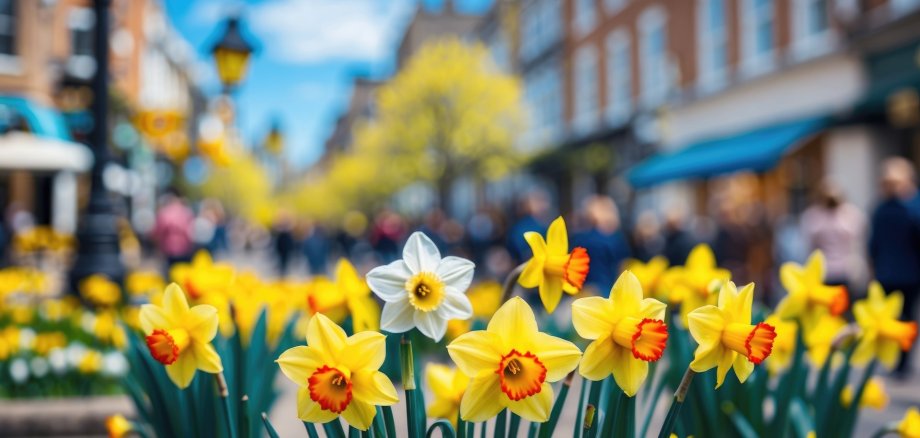
The city centers of Idar and Oberstein are blossoming - literally! Thanks to the state program "Innenstadt-Impulse", the centers will soon be greened with colourful flowers that will not only beautify the townscape, but also create an inviting atmosphere.

The focus is on mobile urban greenery on street lamps and in flower pots, which impress with their long flowering period, insect-friendliness and self-cleaning properties. The plants were deliberately selected so that they require minimal maintenance. Large water tanks in the planters ensure that the flowers are optimally supplied with water despite the summer heat or dry spells - regular watering is therefore a thing of the past.

"With these carefully selected plants, we combine aesthetics with sustainability. They beautify our city centre, promote a pleasant microclimate and minimize the maintenance effort for the city administration," explains Sarah Wagner from the city's business development department.

The new greenery also increases the quality of life in the city center, invites citizens and guests to linger and underlines the city's commitment to ecologically sensible and economically viable urban greenery. With this measure, Idar-Oberstein is also sending a visible signal for climate adaptation and sustainable urban development. The flowers make our city center more beautiful by enhancing concrete-heavy areas and spaces as a lively splash of color.

Help with accessibility

  • General

    We make every effort to ensure that our websites are accessible. You can find details on this in our accessibility statement. You can send us suggestions for improvement using our feedback form.

  • Font size

    To adjust the font size, please use the following key combinations:

    Larger

    ⌘command
    +

    Smaller

    ⌘command

    Larger

    Ctrl
    +

    Smaller

    Ctrl
  • Keyboard navigation

    Use TAB and SHIFT + TAB to navigate through next/previous links, form elements and buttons.

    Use ENTER to open links and interact with elements.

  • Contrast mode

    Press the following key combination to reduce or increase the contrast:

    Enlarge

    ⌃control
    ⌥option
    ⌘command
    .

    Decrease

    ⌃control
    ⌥option
    ⌘command
    ,
    Note: The shortcuts must be activated in the system settings of the operating system.

    Press the left ALT key + left SHIFT key + PRINT to quickly switch the high contrast mode on or off.

  • Invert colors

    Press the following key combination to switch the color inversion on and off:

    ⌃control
    ⌥option
    ⌘command
    8
    Note: The shortcuts must be activated in the system settings of the operating system.

    First activate the screen magnifier and then switch the color inversion on and off with the following key combinations:

    1. screen magnifier

    +

    2. invert colors

    Ctrl
    Old
    I
  • Screen magnifier

    Press the following key combinations to use the screen magnifier:

    Switch on/off

    ⌥option
    ⌘command
    8

    Enlarge view

    ⌥option
    ⌘command
    =

    Reduce view

    ⌥option
    ⌘command
    Note: The shortcuts must be activated in the system settings of the operating system.

    Switch on / Enlarge view

    +

    Reduce view

Select language