

This page was automatically translated using artificial intelligence. As a result, the text may contain discrepancies or inaccuracies. Only the original version is binding. No legal claims arising from the content of the translated version will be accepted.

Information Session on the Sonnenhöfe Connection

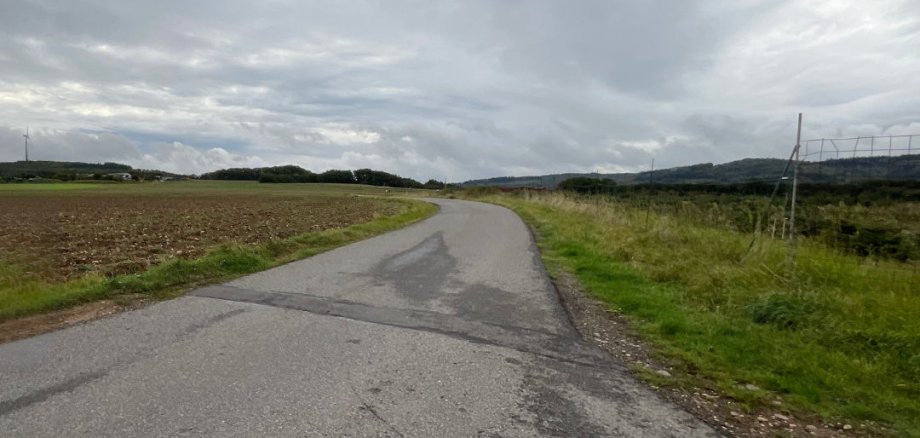
The event will focus on the planned new transportation link for the Sonnenhöfe industrial park. The goal of the zoning plan process is to create an alternative access route for the commercial business located there and, in particular, to permanently relieve the residential areas in the “Bein” district of truck traffic.

During the event, the planning process, the progress of the proceedings to date, and the key elements of the draft zoning plan will be presented. Afterward, participants will have the opportunity to ask questions and speak with representatives of the city administration as well as the specialized firms involved in the planning.

With this informational event, the City of Idar-Oberstein aims to promote open dialogue and give residents the opportunity to learn in detail about the project and the current status of the zoning plan process. The draft zoning plan will be available on the City of Idar-Oberstein’s website at www.idar-oberstein.de/bekanntmachungen starting Monday, August 17, 2026, and will be on public display at the city administration offices from Wednesday, August 19 through Monday, September 21, 2026, at the city administration offices.

Help with accessibility

  • General

    We make every effort to ensure that our websites are accessible. You can find details on this in our accessibility statement. You can send us suggestions for improvement using our feedback form.

  • Font size

    To adjust the font size, please use the following key combinations:

    Larger

    ⌘command
    +

    Smaller

    ⌘command

    Larger

    Ctrl
    +

    Smaller

    Ctrl
  • Keyboard navigation

    Use TAB and SHIFT + TAB to navigate through next/previous links, form elements and buttons.

    Use ENTER to open links and interact with elements.

  • Contrast mode

    Press the following key combination to reduce or increase the contrast:

    Enlarge

    ⌃control
    ⌥option
    ⌘command
    .

    Decrease

    ⌃control
    ⌥option
    ⌘command
    ,
    Note: The shortcuts must be activated in the system settings of the operating system.

    Press the left ALT key + left SHIFT key + PRINT to quickly switch the high contrast mode on or off.

  • Invert colors

    Press the following key combination to switch the color inversion on and off:

    ⌃control
    ⌥option
    ⌘command
    8
    Note: The shortcuts must be activated in the system settings of the operating system.

    First activate the screen magnifier and then switch the color inversion on and off with the following key combinations:

    1. screen magnifier

    +

    2. invert colors

    Ctrl
    Old
    I
  • Screen magnifier

    Press the following key combinations to use the screen magnifier:

    Switch on/off

    ⌥option
    ⌘command
    8

    Enlarge view

    ⌥option
    ⌘command
    =

    Reduce view

    ⌥option
    ⌘command
    Note: The shortcuts must be activated in the system settings of the operating system.

    Switch on / Enlarge view

    +

    Reduce view

Select language