

This page has been automatically translated. As a result, there may be discrepancies or inaccuracies in the text. Only the original version is binding. Legal claims arising from the content of the translated version are excluded.

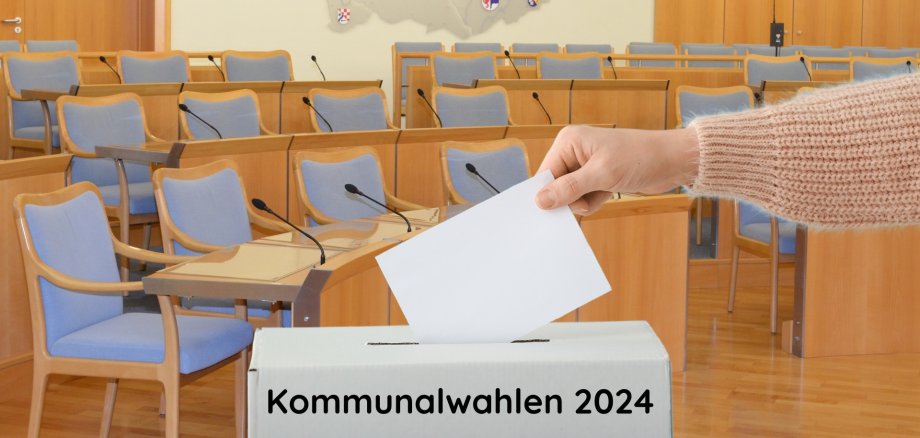
Nine lists stand for the city council elections

The order on the ballot paper is as follows: SPD, CDU, Greens, AfD, FDP, FL, LUB, Die Linke and Wählergruppe Worst. The order is based on the number of state votes achieved in the last state election, then on the same criterion from the last city council election and, if the above does not apply, in alphabetical order. In addition to the seven lists that entered the city council in the last election, the AfD and the Worst electoral group are standing for the first time in Idar-Oberstein. On the other hand, "Die Partei" did not collect the required 150 supporting signatures.

A total of 226 people - 81 women and 145 men - are on the nominations. According to the Local Elections Act, the gender ratio of each list must be stated when the election is announced. The SPD is running with 43 candidates (13 women / 30 men), the CDU with 42 (14 / 28), the Greens with 16 (10 / 6), the AfD with 13 (2 / 11), the FDP with 37 (11 / 26), the Freie Liste with 34 (10 / 24), the LUB with 20 (10 / 10), Die Linke with 10 (6 / 4) and the Worst electoral group with 11 (5 / 6).

The top candidates are Moritz Forster (SPD), Christian Knapp (CDU), Monja Roepke (Grüne), Dirk Rohde (AfD), Richard Brunk (FDP), Frank Schnadthorst (FL), Michael Schmolzi (LUB), Jürgen Müller (Die Linke) and Stefan Worst (Wählergruppe Worst).

Help with accessibility

  • General

    We make every effort to ensure that our websites are accessible. You can find details on this in our accessibility statement. You can send us suggestions for improvement using our feedback form.

  • Font size

    To adjust the font size, please use the following key combinations:

    Larger

    ⌘command
    +

    Smaller

    ⌘command

    Larger

    Ctrl
    +

    Smaller

    Ctrl
  • Keyboard navigation

    Use TAB and SHIFT + TAB to navigate through next/previous links, form elements and buttons.

    Use ENTER to open links and interact with elements.

  • Contrast mode

    Press the following key combination to reduce or increase the contrast:

    Enlarge

    ⌃control
    ⌥option
    ⌘command
    .

    Decrease

    ⌃control
    ⌥option
    ⌘command
    ,
    Note: The shortcuts must be activated in the system settings of the operating system.

    Press the left ALT key + left SHIFT key + PRINT to quickly switch the high contrast mode on or off.

  • Invert colors

    Press the following key combination to switch the color inversion on and off:

    ⌃control
    ⌥option
    ⌘command
    8
    Note: The shortcuts must be activated in the system settings of the operating system.

    First activate the screen magnifier and then switch the color inversion on and off with the following key combinations:

    1. screen magnifier

    +

    2. invert colors

    Ctrl
    Old
    I
  • Screen magnifier

    Press the following key combinations to use the screen magnifier:

    Switch on/off

    ⌥option
    ⌘command
    8

    Enlarge view

    ⌥option
    ⌘command
    =

    Reduce view

    ⌥option
    ⌘command
    Note: The shortcuts must be activated in the system settings of the operating system.

    Switch on / Enlarge view

    +

    Reduce view

Select language