

This page has been automatically translated. As a result, there may be discrepancies or inaccuracies in the text. Only the original version is binding. Legal claims arising from the content of the translated version are excluded.

37th Idar-Oberstein Old Town Run
Sport / Leisure

Category: Sport / Leisure

37th Idar-Oberstein Old Town Run

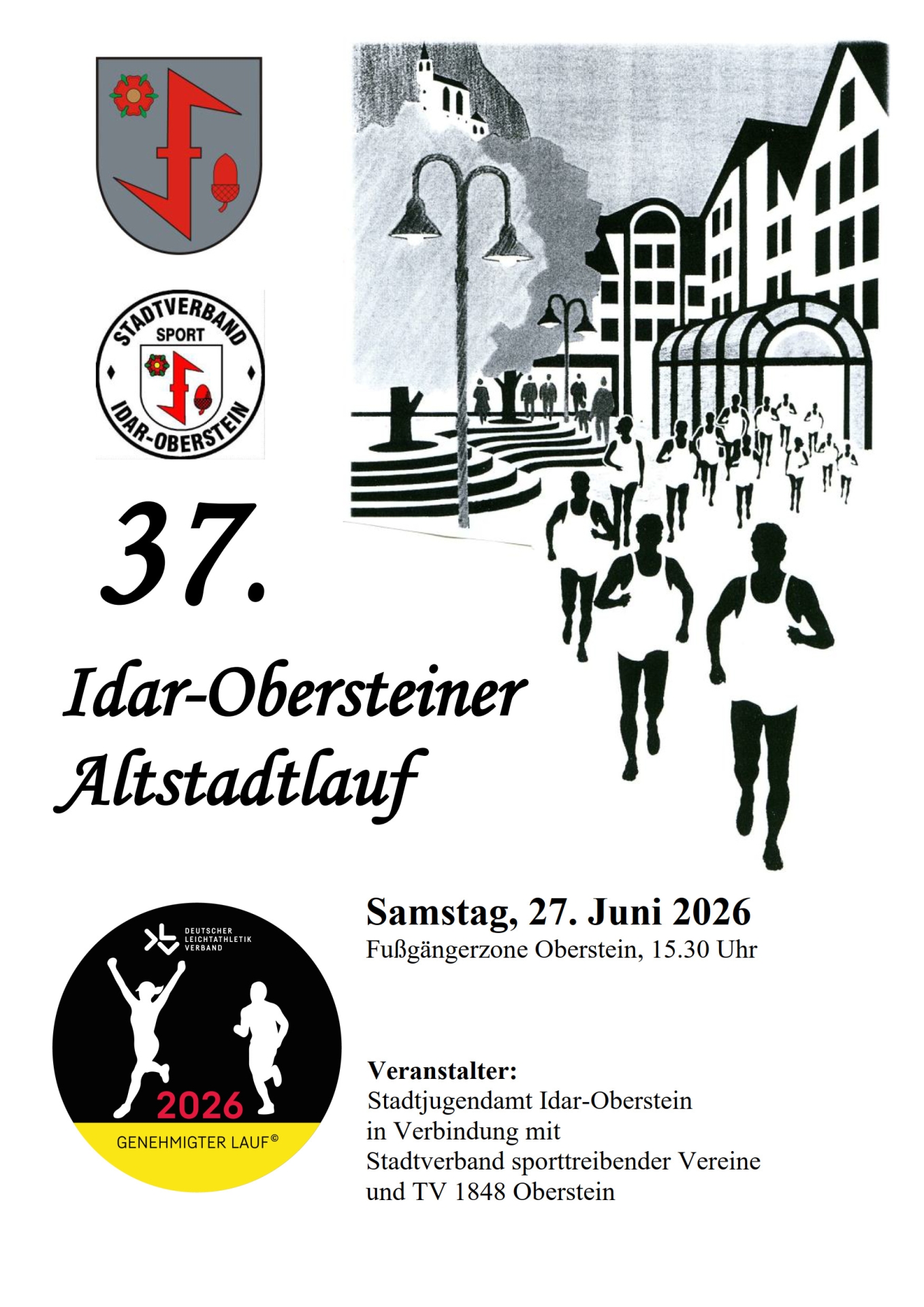
The Idar-Oberstein Old Town Run traditionally takes place on the last Saturday in June. The program includes a total of six races for different age groups.

Runners from the U8 age group (born between 2019 and 2022) can take part in the Altstadtlauf, completing a distance of 370 meters in race 1. The distances increase for each age group up to run 6, which is around 6.5 kilometers long. The route leads through the pedestrian zone below the Felsenkirche church. The start and finish are located at the back of the tourist information office in the Oberstein district.

You can register for the Altstadtlauf at my.raceresult.com, the online portal is now open. The registration fee for adults is 5 euros, for children and young people 2.50 euros, children under 8 are free. The registration deadline is Sunday, June 21, 2026, at 11:59 pm, late registrations are not possible.

For more information, please contact the sports officer Armin Vogt, phone 06781/64-5042, e-mail armin.vogt@idar-oberstein.de.

Announcement Old Town Run 2026

Organizer

Idar-Oberstein Youth Welfare Office in conjunction with the city association of sports clubs and TV 1848 Oberstein

Help with accessibility

  • General

    We make every effort to ensure that our websites are accessible. You can find details on this in our accessibility statement. You can send us suggestions for improvement using our feedback form.

  • Font size

    To adjust the font size, please use the following key combinations:

    Larger

    ⌘command
    +

    Smaller

    ⌘command

    Larger

    Ctrl
    +

    Smaller

    Ctrl
  • Keyboard navigation

    Use TAB and SHIFT + TAB to navigate through next/previous links, form elements and buttons.

    Use ENTER to open links and interact with elements.

  • Contrast mode

    Press the following key combination to reduce or increase the contrast:

    Enlarge

    ⌃control
    ⌥option
    ⌘command
    .

    Decrease

    ⌃control
    ⌥option
    ⌘command
    ,
    Note: The shortcuts must be activated in the system settings of the operating system.

    Press the left ALT key + left SHIFT key + PRINT to quickly switch the high contrast mode on or off.

  • Invert colors

    Press the following key combination to switch the color inversion on and off:

    ⌃control
    ⌥option
    ⌘command
    8
    Note: The shortcuts must be activated in the system settings of the operating system.

    First activate the screen magnifier and then switch the color inversion on and off with the following key combinations:

    1. screen magnifier

    +

    2. invert colors

    Ctrl
    Old
    I
  • Screen magnifier

    Press the following key combinations to use the screen magnifier:

    Switch on/off

    ⌥option
    ⌘command
    8

    Enlarge view

    ⌥option
    ⌘command
    =

    Reduce view

    ⌥option
    ⌘command
    Note: The shortcuts must be activated in the system settings of the operating system.

    Switch on / Enlarge view

    +

    Reduce view

Select language