

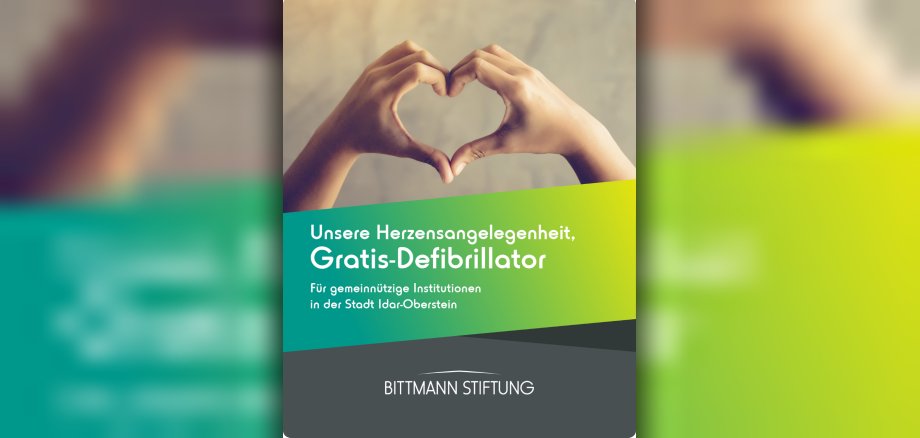
A sudden cardiac arrest can happen to anyone - making it all the more important to get help on the spot quickly. The city of Idar-Oberstein is therefore drawing attention to a special initiative by the Bittmann Foundation: under the motto "Our heart's business - free defibrillator", non-profit associations and organizations in the city area have the opportunity to receive a free automatic external defibrillator (AED).
These handy devices can save lives in an emergency. They deliver targeted electric shocks to stabilize a disturbed heart rhythm. Automatic external defibrillators are specially designed for use by first aiders and guide users step by step through the life-saving measures - even without any previous medical knowledge. This is why they are installed in many easily accessible and highly frequented locations.
With its campaign, the Bittmann Foundation wants to help ensure that even more of these "lifesavers" are available where people come together - for example in clubhouses, sports facilities or public meeting places. Clubs in particular play an important role in social life and can provide help quickly in an emergency.
Non-profit organizations can apply for a free defibrillator if they meet the following requirements:
- The organization is recognized as a non-profit organization (e.g. associations or support associations).
- The device is operated independently and the ongoing maintenance costs are covered (currently around EUR 100 per year).
- For outdoor installation, a heatable outdoor cabinet must also be ordered (excess of 150 euros).
The city of Idar-Oberstein is therefore calling on all eligible clubs and institutions to take the opportunity and apply. Every additional defibrillator can be crucial in an emergency and save valuable minutes until the emergency services arrive.
The closing date for applications is May 15, 2026.
Applications can be sent by email to kai.sudau@bito.com. If you have any questions, please contact the Foundation's Board of Directors at eugen.krax@bito.com
The Bittmann Foundation, based in Meisenheim, was founded in 2008 by Sabine and Fritz August Bittmann. As a charitable foundation, it is permanently committed to projects in the areas of health, youth, science and culture and is also increasingly initiating its own programs - such as a medical scholarship.