

This page has been automatically translated. As a result, there may be discrepancies or inaccuracies in the text. Only the original version is binding. Legal claims arising from the content of the translated version are excluded.

Castle Open Stage 2026 - Talents at Oberstein Castle
Concert

Category: Concert

Castle Open Stage 2026 - Talents at Oberstein Castle

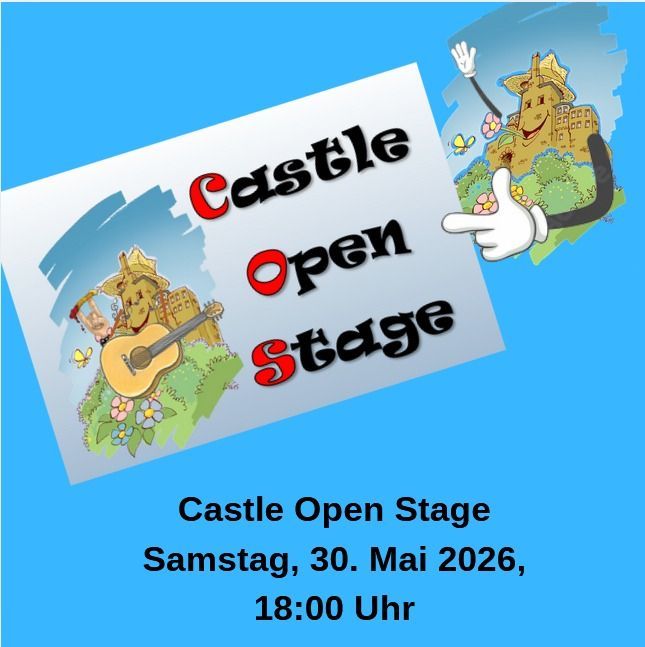
On May 30, 2026, the Burgenverein Schloss Oberstein will once again be taking to the stage with talent from the region and staging the "Castle Open Stage 2026" event at Schloss Oberstein.

The association has already held this event five times, and each time it has been a great, almost four-hour experience, a kind of festival in mini, with everything from spoken word to a rocking group performance! The association is looking forward to the talent!

The association provides a system including microphones and effects (reverb, echo, chorus, compressor, etc.) as well as lighting effects free of charge, and you can get started and feel like a professional.

There will be a sound check from 4 p.m., but there are no fees and admission is free. Drinks will be provided by the association.

If you have any questions or would like to register, simply write an email to the association.

Organizer

Castle Association Schloss Oberstein e.V.

0179 7447901

j.schwarz@schloss-oberstein.de

schloss-oberstein.de

Contact us

Mr. Joachim Schwarz

Help with accessibility

  • General

    We make every effort to ensure that our websites are accessible. You can find details on this in our accessibility statement. You can send us suggestions for improvement using our feedback form.

  • Font size

    To adjust the font size, please use the following key combinations:

    Larger

    ⌘command
    +

    Smaller

    ⌘command

    Larger

    Ctrl
    +

    Smaller

    Ctrl
  • Keyboard navigation

    Use TAB and SHIFT + TAB to navigate through next/previous links, form elements and buttons.

    Use ENTER to open links and interact with elements.

  • Contrast mode

    Press the following key combination to reduce or increase the contrast:

    Enlarge

    ⌃control
    ⌥option
    ⌘command
    .

    Decrease

    ⌃control
    ⌥option
    ⌘command
    ,
    Note: The shortcuts must be activated in the system settings of the operating system.

    Press the left ALT key + left SHIFT key + PRINT to quickly switch the high contrast mode on or off.

  • Invert colors

    Press the following key combination to switch the color inversion on and off:

    ⌃control
    ⌥option
    ⌘command
    8
    Note: The shortcuts must be activated in the system settings of the operating system.

    First activate the screen magnifier and then switch the color inversion on and off with the following key combinations:

    1. screen magnifier

    +

    2. invert colors

    Ctrl
    Old
    I
  • Screen magnifier

    Press the following key combinations to use the screen magnifier:

    Switch on/off

    ⌥option
    ⌘command
    8

    Enlarge view

    ⌥option
    ⌘command
    =

    Reduce view

    ⌥option
    ⌘command
    Note: The shortcuts must be activated in the system settings of the operating system.

    Switch on / Enlarge view

    +

    Reduce view

Select language